Open a Link you received
A company sent you a Link to the work they are doing for you. Here is what to do with it.
using.link/MA29rk
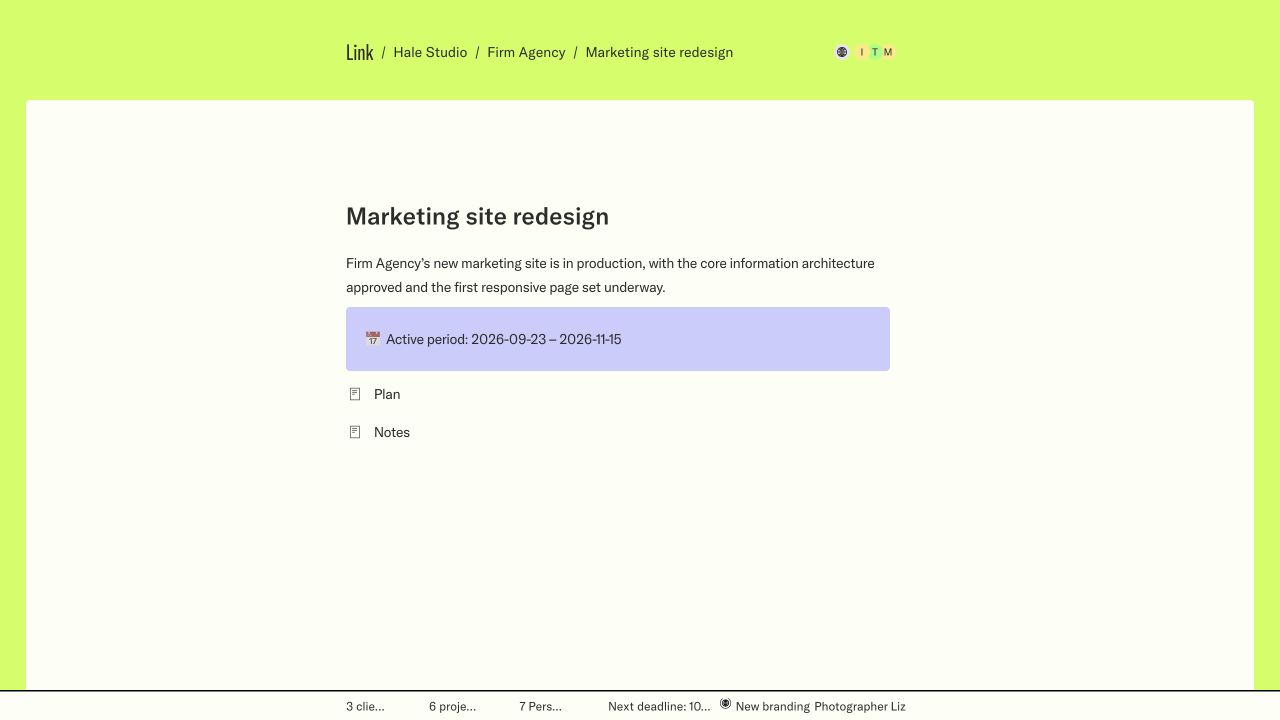
What you received
A Link is a live page about the work a company is doing for you. It may be an overview of everything they share with you, one project or one page of a project. It changes as the work moves, so it is always the current version.
Public or private
- If the page opens straight away, it is public. You don’t need an account.
- If it asks for your email, it is private. Use the address the company invited; see Sign in to private work.
- If it says the page is private or unavailable, ask the sender to check your access and the address.
Check the address
Links live on using.link, or on the company’s own address such as acme.using.link. If you are unsure a message is genuine, contact the company another way before you enter your email.
Screens show a sample workspace in Link’s new design, which is rolling out. Inline controls are illustrations; use them in your workspace to make a change.