Feature set

For your client

  • Client portals A home for each client
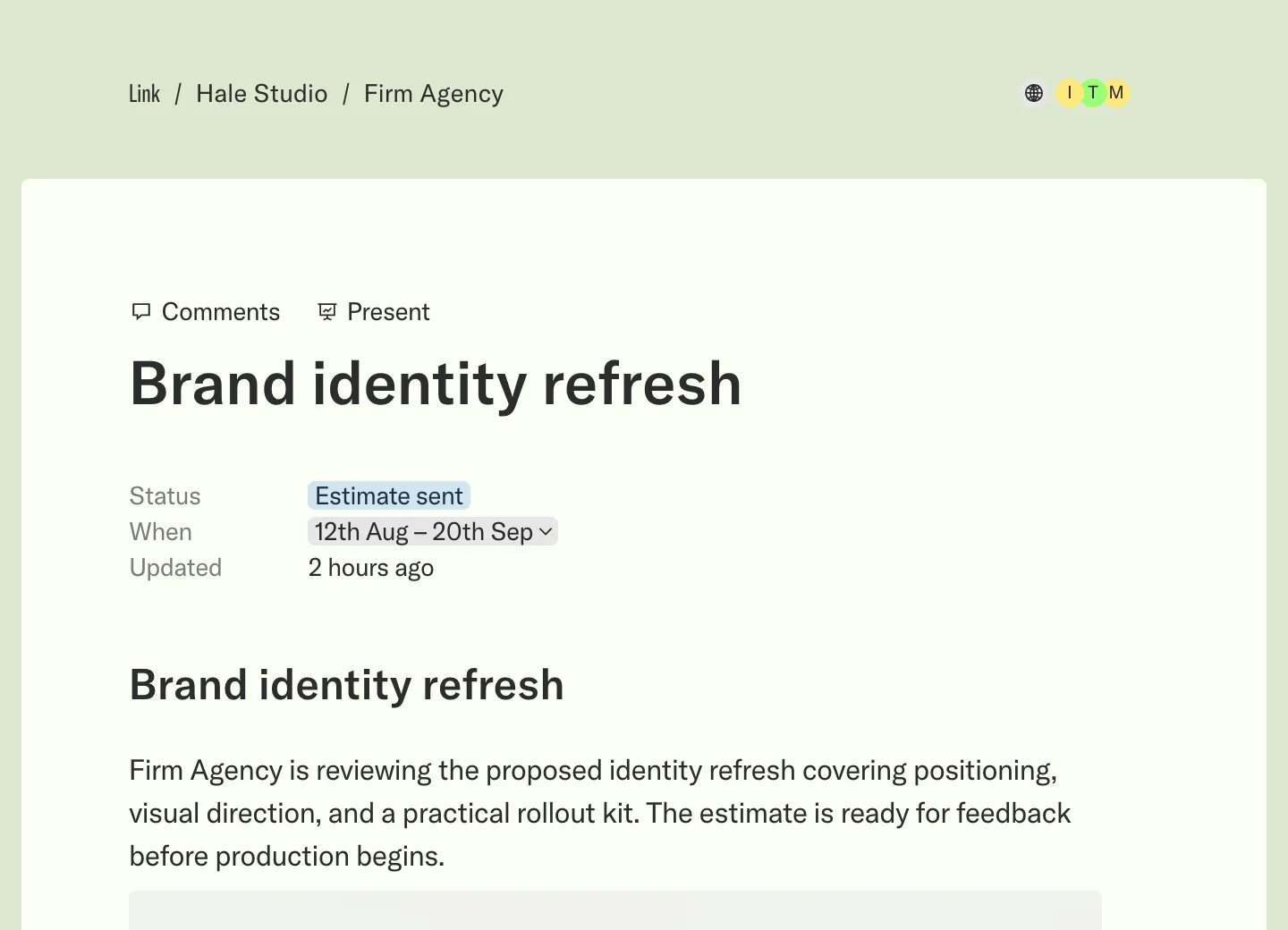
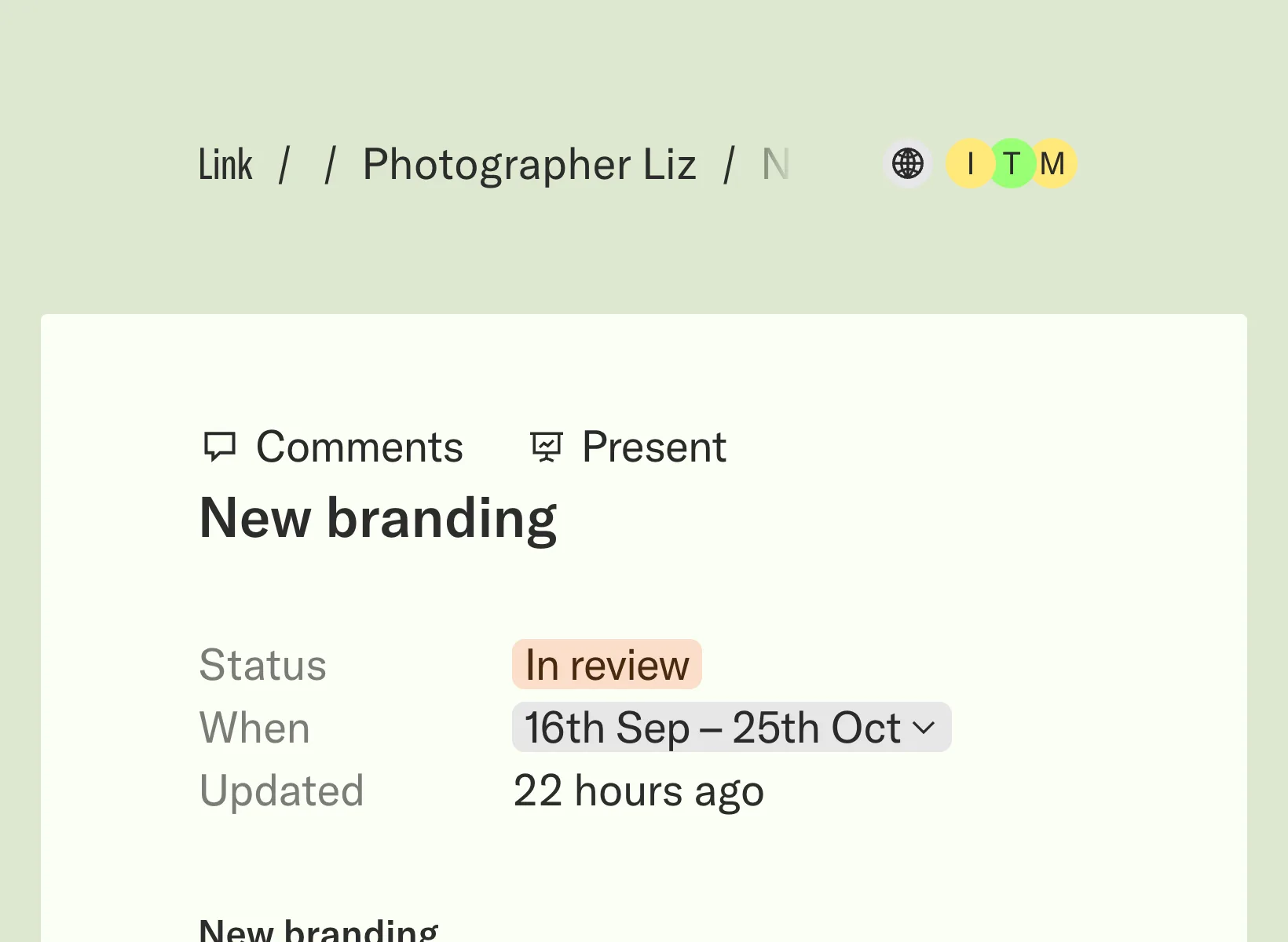
  • Project pages Status and next steps
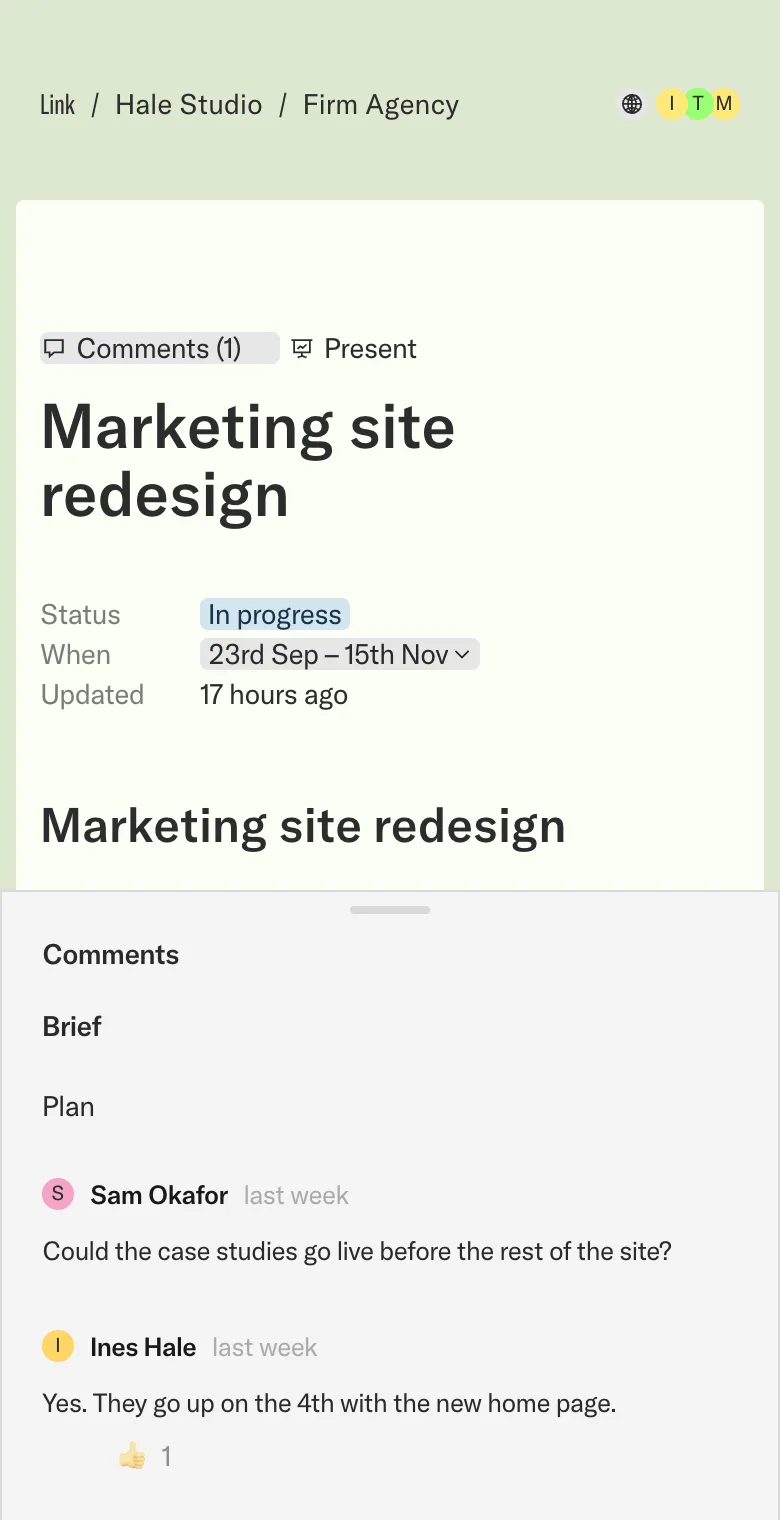
  • Comments Talk beside the work
  • Estimates and approvals Approve in one place
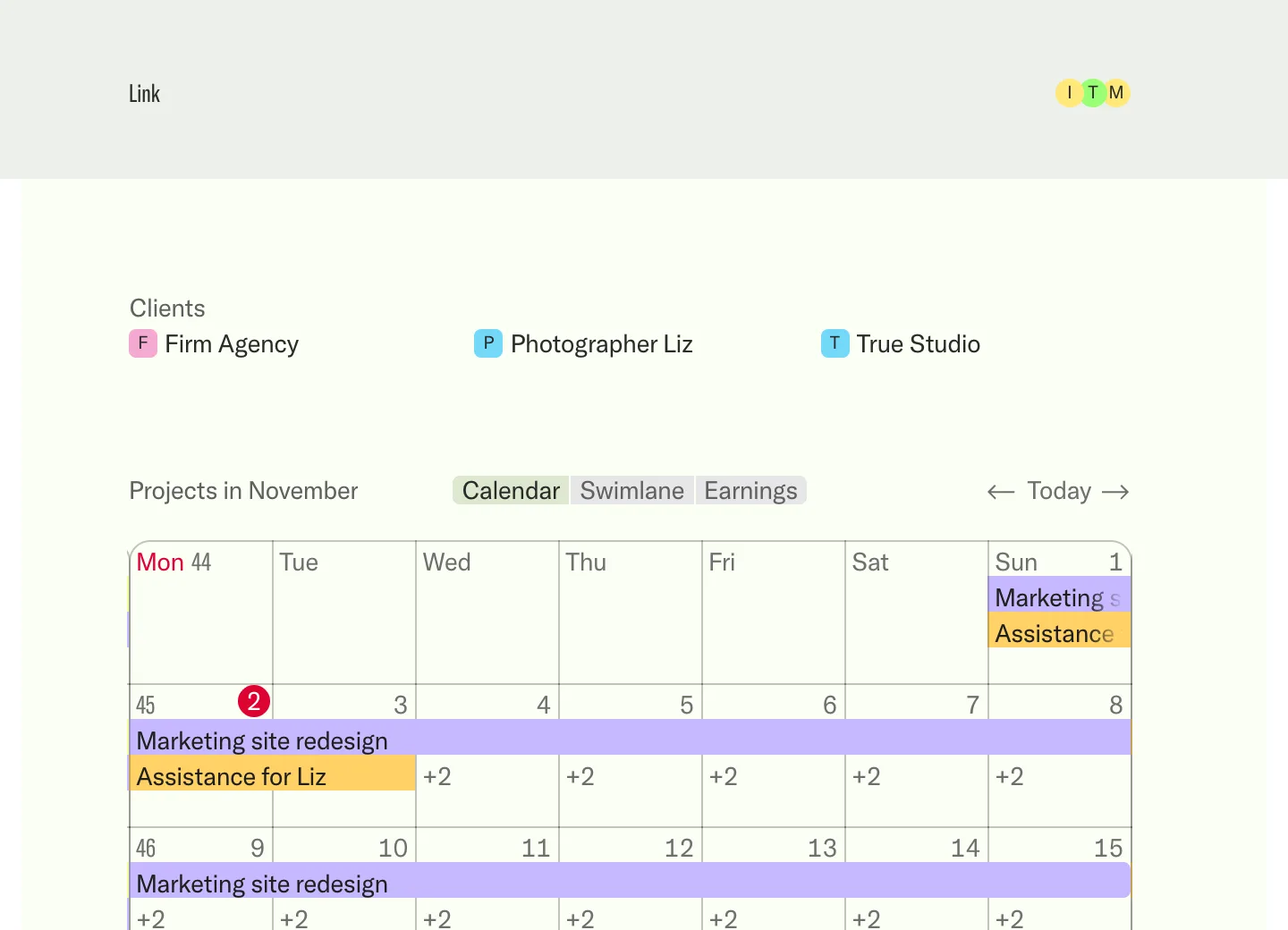
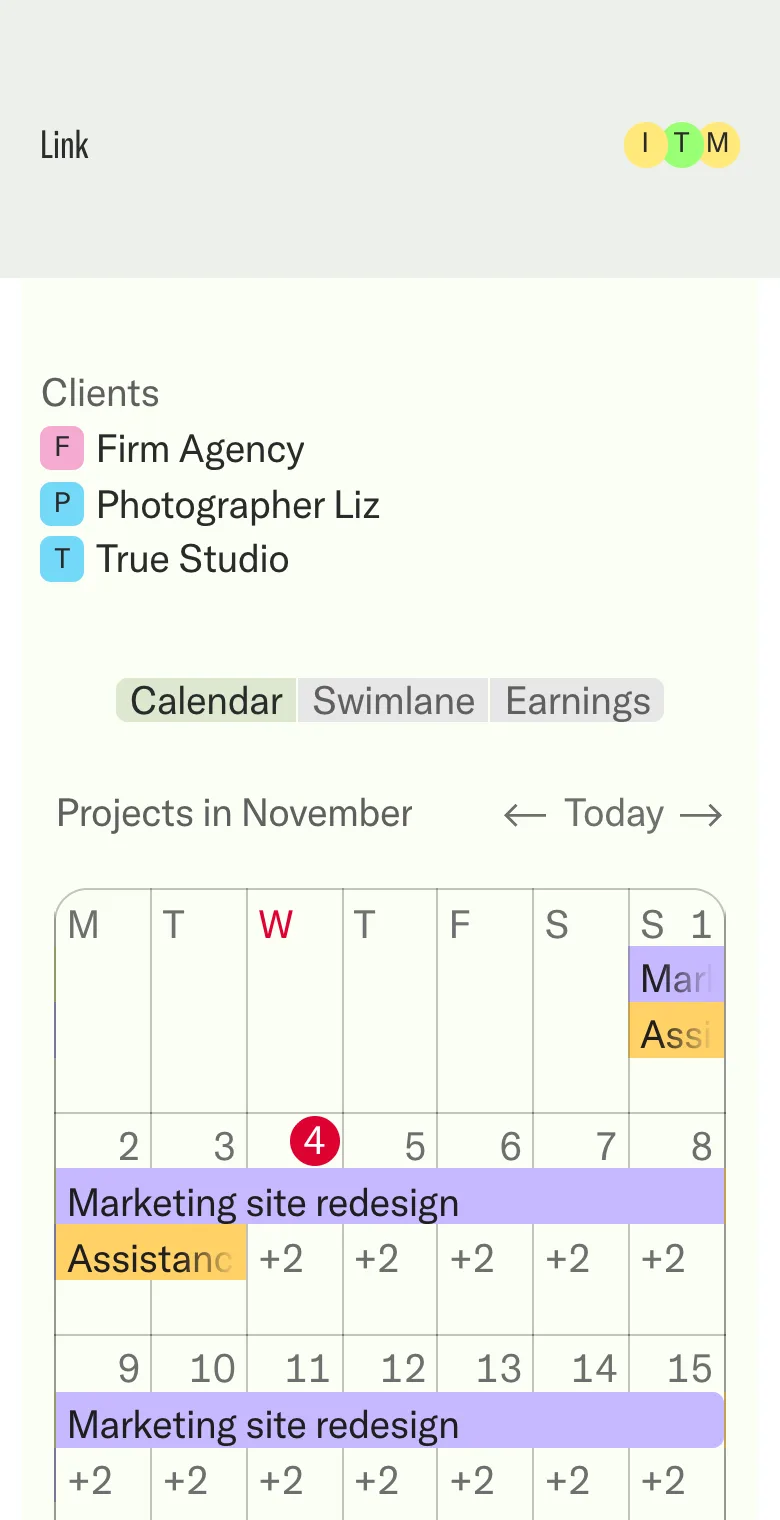
  • Calendar Every date at a glance

Sharing and control

  • View as See what a client sees
  • Public redactions Hide details in public
  • Access Public, or sign-in only
  • Present mode Present in your brand
  • Branded emails Updates in your brand

For your company

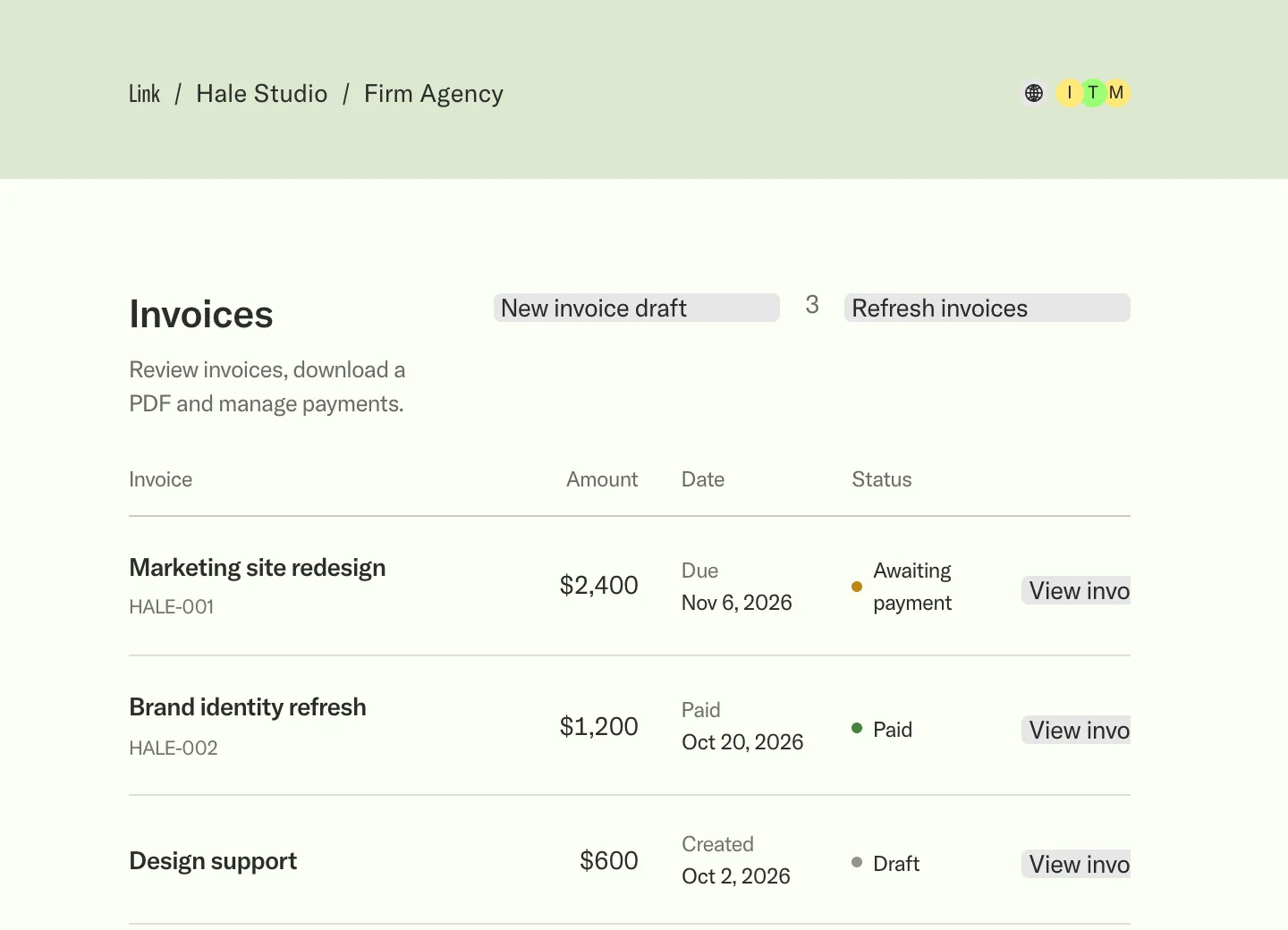
  • Invoices Bill from the project
  • Contracts Agree the terms
Everything Link does, on one page. See every feature
Apps

Learn

  • Notion An optional integration
  • Connect your assistant Create and edit projects through MCP
  • Connect Notion Link your workspace
Your client work, connected. Explore all apps
What’s new
Get started

One home for your client projects.

/ Paper Crane Studio's projects with Verdant Coffee Roasters / Launch site Public page
August 23 → September 28, 2027

Launch site

Overview

Bring Verdant Coffee Roasters’ new brand online with a launch site that carries the rebrand from shelf to screen—one clear sitemap, approved content for every page, and a checklist that takes it live.

Launch checklist

Close the remaining decisions, load the approved content, and leave the Verdant team with a clear next step and the latest live version of every page.

Sitemap and page structure approved
Final copy and photography loaded for every page
Online shop connected with roast profiles and pricing
Site handover package shared with the Verdant team

Content plan

The site moves from the brand story to the roastery, the coffees, and the shop, with every page sharing one voice, one image style, and one source for final decisions.

• A home page that introduces the rebrand with the new marque, palette, and voice.
• Coffee pages with origin stories, roast profiles, and the new packaging photography.
• A stockists and wholesale page that carries the same message as the retail launch.
From brief to yes.

  1. 01

    Put the brief in one place.

    Scope, dates and files stand on one project page, in your brand. Clients open it and see where things are.

  2. 02

    Get comments on the work itself.

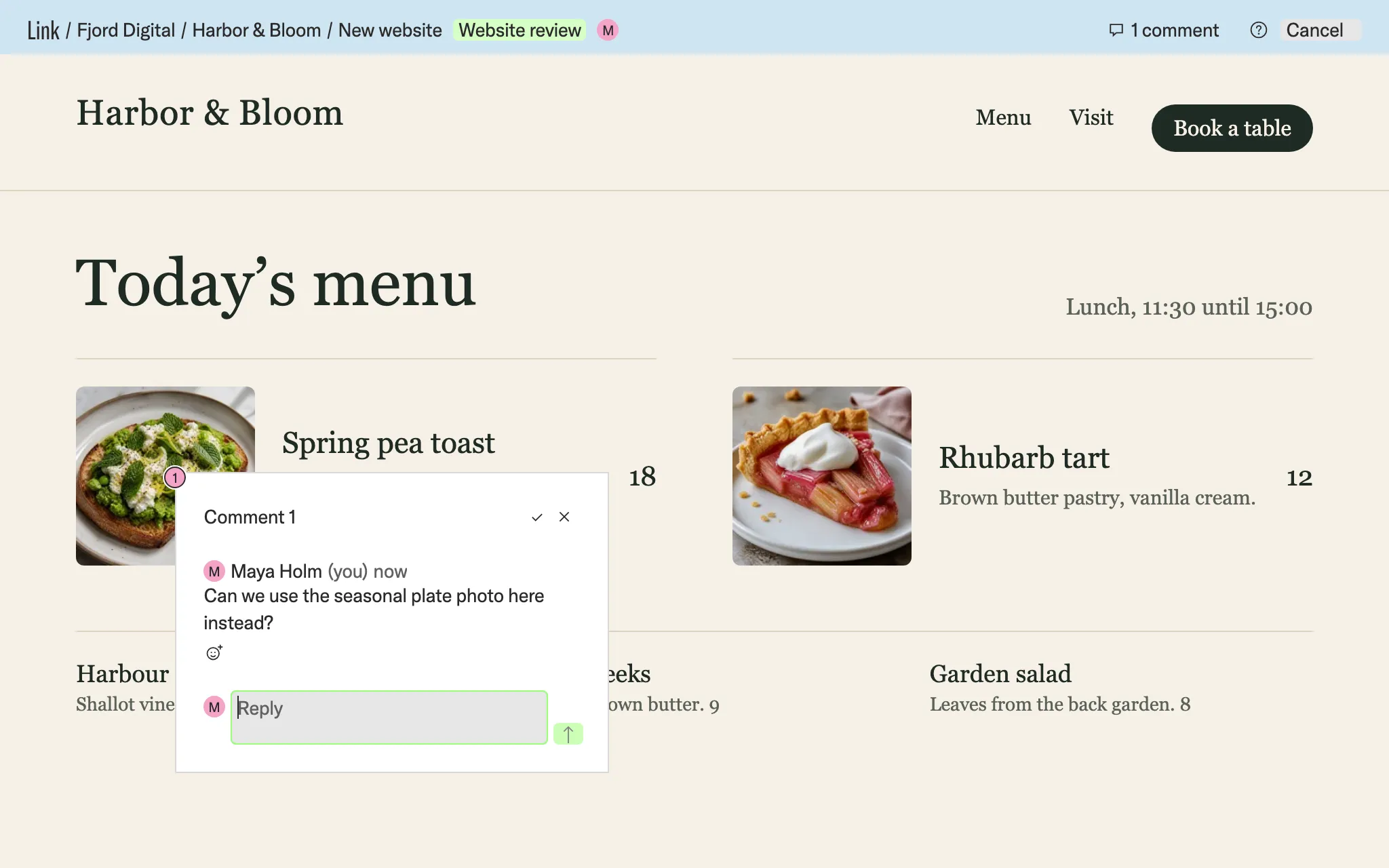
    Clients pin a comment to the spot on the live site or the PDF. Everyone sees who said what.

  3. 03

    Get a clear yes.

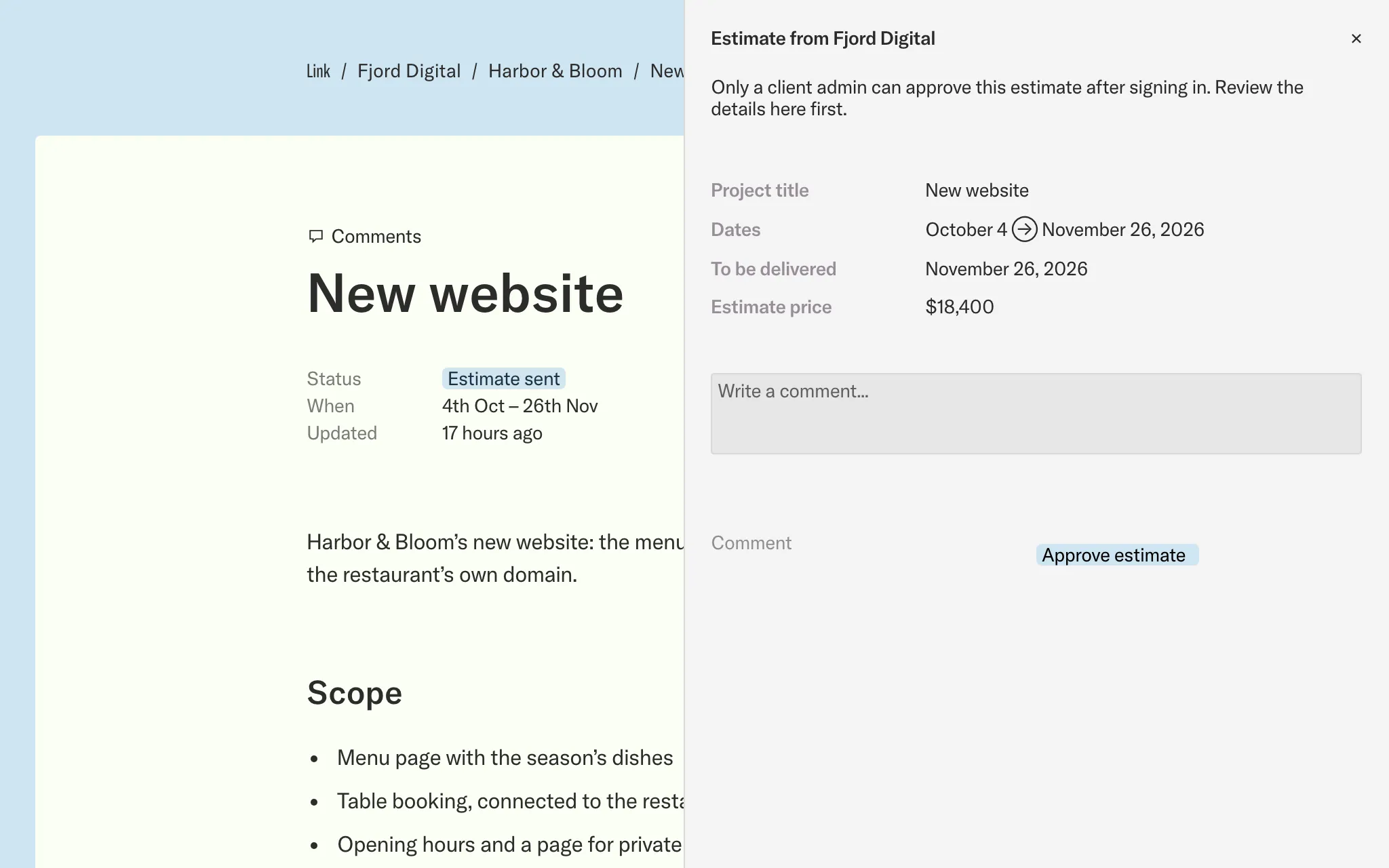
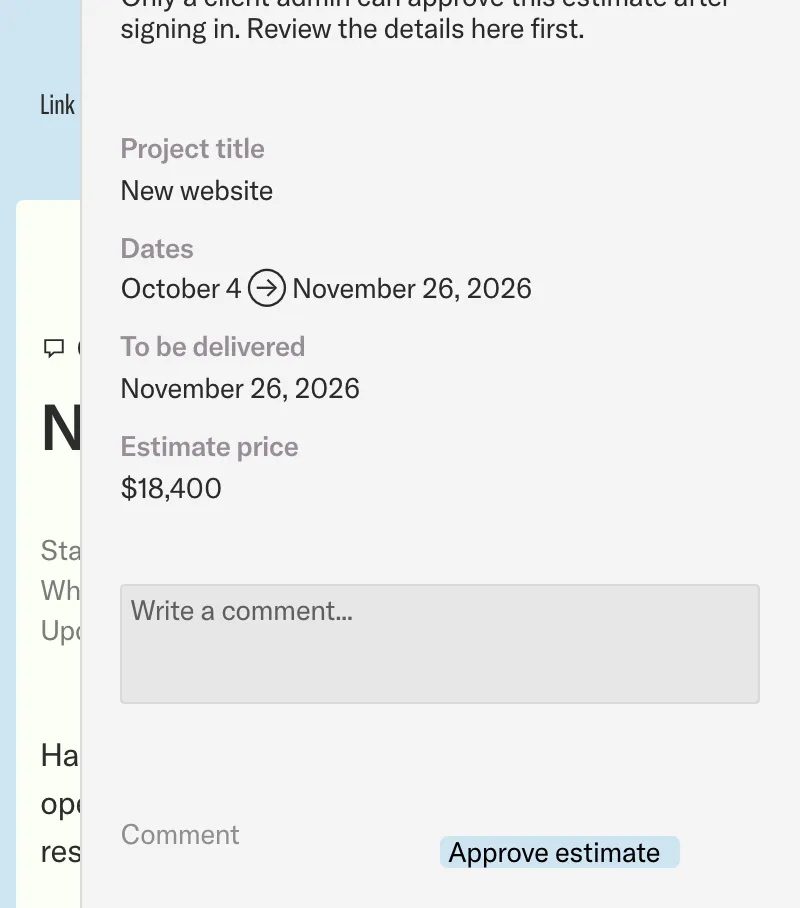
    The scope, dates and price stand together. Clients ask a question or approve the estimate on the project.

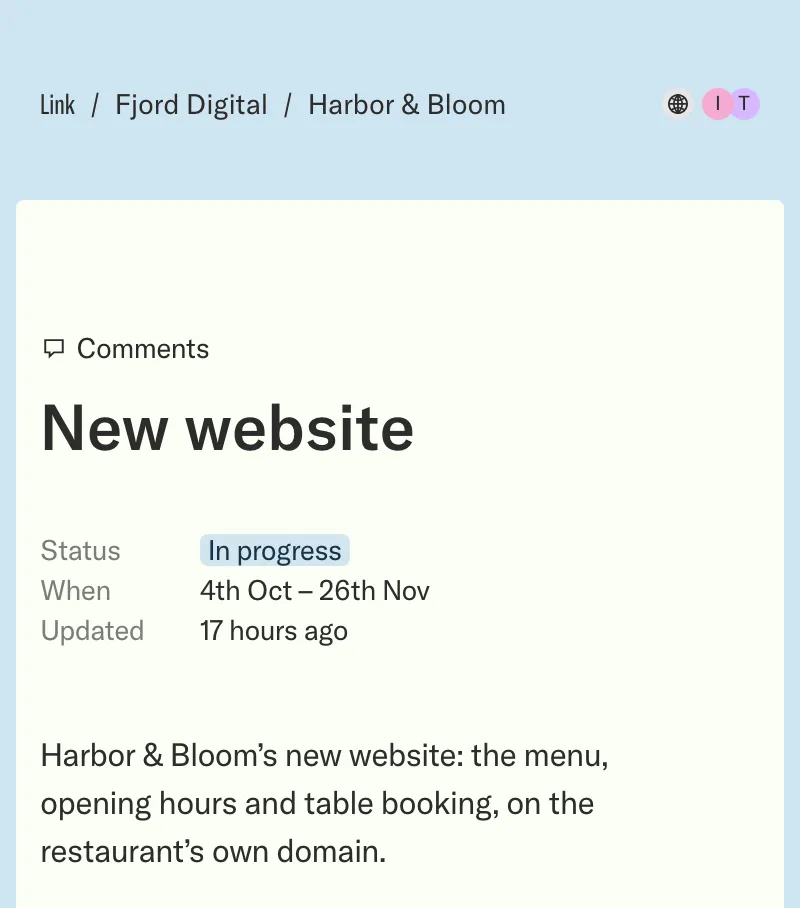
A project page with its status, dates and brief A project page with its status, dates and brief, on a phone
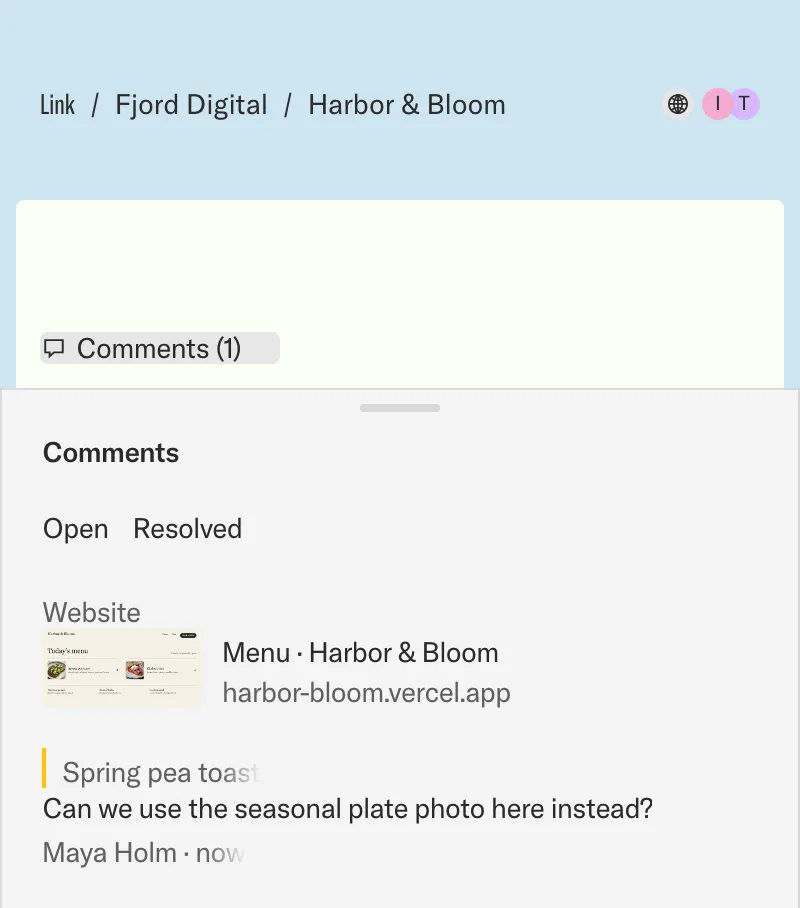
A client’s comment pinned to a photo on the live website A client’s comment from the live website, listed on the project
An estimate open on the project, with its dates, price and Approve estimate An estimate open on the project, with its dates, price and Approve estimate, on a phone

Your brand, on every project.

Enter your company’s website, and see your portal in its colours.

How branding works

No website? Type the company’s name.

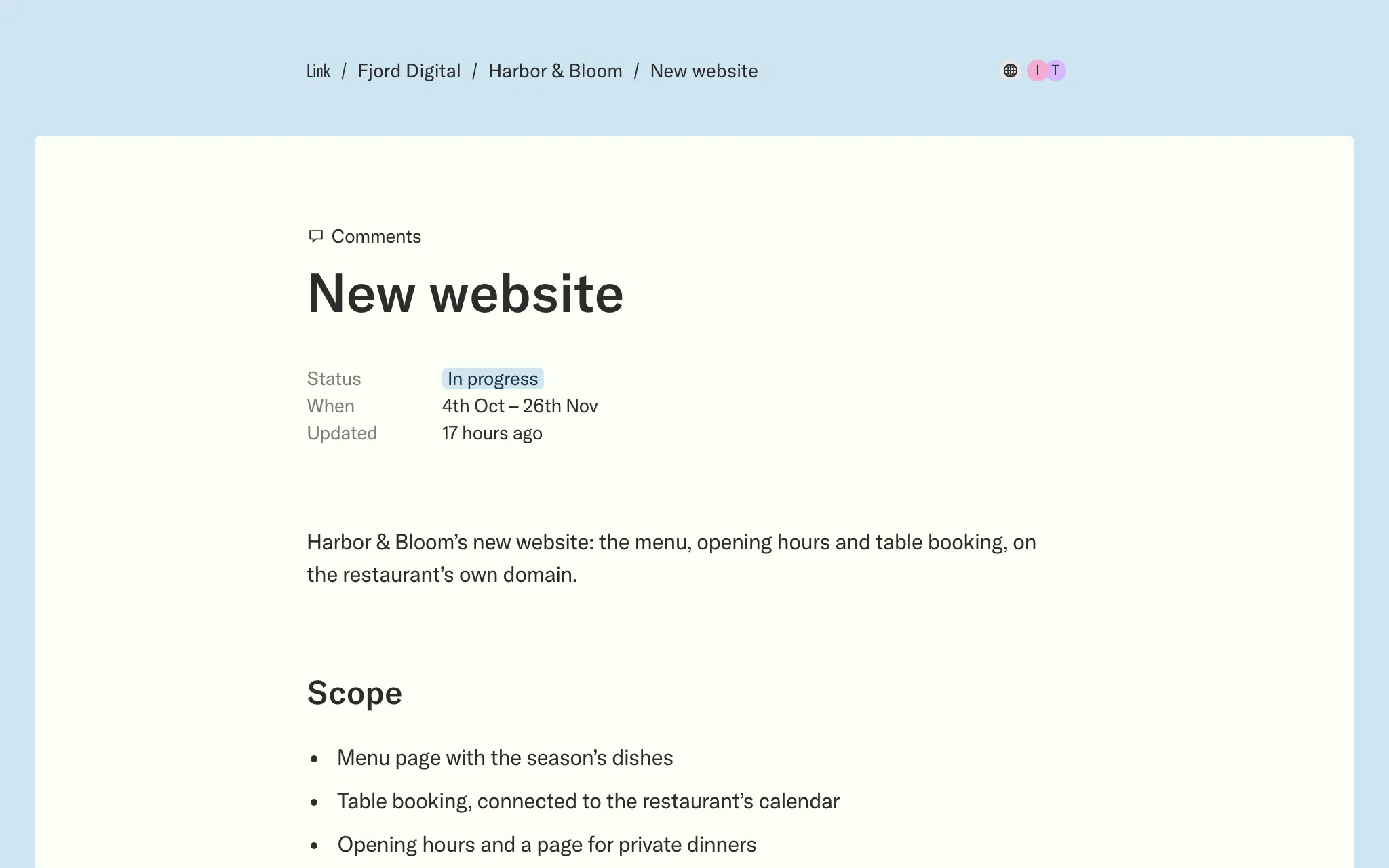
Fjord Digital / Harbor & Bloom
July 4 → August 9, 2027 · Updated 2 days ago

Platform migration

Overview

Move the Harbor & Bloom storefront to the new commerce platform without losing orders, rankings, or a single day of trading.

Next milestone

Confirm the migration scope
Approve the cutover plan
Typography
Chrome
Page
Text
{"companyName":"Your company","portalSlug":"your-company","primaryColor":"#f5f5f4","accentColor":"#303334","backgroundColor":"#ffffff","primaryTextColor":"#303334","textColor":"#303334","fontFamily":"GT America","logoUrl":null}

Your assistant, connected

Turn a conversation into a project.

Connect your assistant to create clients, draft briefs and update projects in Link. Check the result, then choose what to share.

Start free Connect your assistant
A request typed in Claude or ChatGPT becomes a client, a project and a brief in Link.
/ Fjord Digital's projects with Harbor & Bloom / Platform migration Public page
July 4 → August 9, 2027 · Updated 2 days ago

Platform migration

Overview

Move the Harbor & Bloom storefront to the new commerce platform without losing orders, rankings, or a single day of trading.

Next milestone

Confirm the migration scope
Approve the cutover plan
/ Lumen Atelier's projects with Mireille / Press day Public page
August 27 → September 30, 2027

Press day

Overview

Turn Mireille’s press day into one calm, coordinated appointment schedule for editors, stylists, and photographers—without losing the personal welcome that sets the label apart.

Day schedule

The day runs as a sequence of forty-five minute appointments, opening with long-lead editors, moving through stylist previews, and closing with a small evening gathering for close press contacts.

• Morning appointments for long-lead editors with one-on-one collection walkthroughs.
• Afternoon stylist previews with sample pulls logged from one shared list.
• A press kit with lookbook, credits, and imagery released from one approved source.

Approval needed

Approve the $12,400 production estimate and final appointment schedule so the space, photography, press kits, and staffing can all be confirmed together.

Confirm the final appointment schedule
Approve the press kit, lookbook, and image credits
Approve the final production estimate
Claude

We have a new prospect, Harbor & Bloom. Add them as a client and draft a brief for their platform migration.

  1. Checked your clients in Link
  2. Created the client Harbor & Bloom
  3. Drafted the brief for Platform migration
Message Claude
ChatGPT

Mireille wants a press day for the new collection. Create the project and draft the brief from my notes.

  1. Found Mireille in your clients
  2. Created the project Press day
  3. Drafted the brief from your notes
Message ChatGPT

Notion, if you use it.

Already keep your projects in Notion? Connect them to Link. You can also create and edit projects directly in Link.

Explore the Notion integration Start free
Summer campaign

Summer campaign

Next steps

To move forward, please confirm the following:

Visual direction — Final approval of the overall visual direction
Payment terms — Approval of the 50% upfront payment. Once proposal approved, we will send the invoice for the upfront payment
Venue walk-through, Tuesday, July 14 at 11:00 AM — Confirmation awaiting, Maren is contacting the venue manager
Walk-through filming — Please let us know by Monday if there are any specific areas or details you need us to film during the venue visit
Venue restrictions — Confirmation of any practical restrictions for delivery, hanging, installation, or pack down
Number of racks — Confirmation of the final number of clothing racks needed
Number of hangers — Confirmation of the final number of hangers needed for the clothing racks
Final logistics — Final confirmation of delivery, setup, pack down, and item pickup timing on August 6, with venue access from 8:00 AM and our team arriving from 8:30 AM
/ Tidewater Studio's projects with Northlight Apparel / Summer campaign Public page
Summer 2027 · Updated today

Summer campaign

Next steps

To move forward, please confirm the following:

Visual direction — Final approval of the overall visual direction
Payment terms — Approval of the 50% upfront payment. Once proposal approved, we will send the invoice for the upfront payment
Venue walk-through, Tuesday, July 14 at 11:00 AM — Confirmation awaiting, Maren is contacting the venue manager
Walk-through filming — Please let us know by Monday if there are any specific areas or details you need us to film during the venue visit
Venue restrictions — Confirmation of any practical restrictions for delivery, hanging, installation, or pack down
Number of racks — Confirmation of the final number of clothing racks needed
Number of hangers — Confirmation of the final number of hangers needed for the clothing racks
Final logistics — Final confirmation of delivery, setup, pack down, and item pickup timing on August 6, with venue access from 8:00 AM and our team arriving from 8:30 AM

Estimates

Get the estimate approved.

Give clients the scope, dates and price together. They can ask a question and approve the estimate right on the project.

How approvals work Start free

Free for clients

Invite every client.

You pay only for the people on your own team.

Nothing to learn

Just open the Link.

Clients open a public link, or sign in with their email.

Comments

Talk beside the work.

Questions and answers stay on the project, not in an inbox.

Everything in Link.

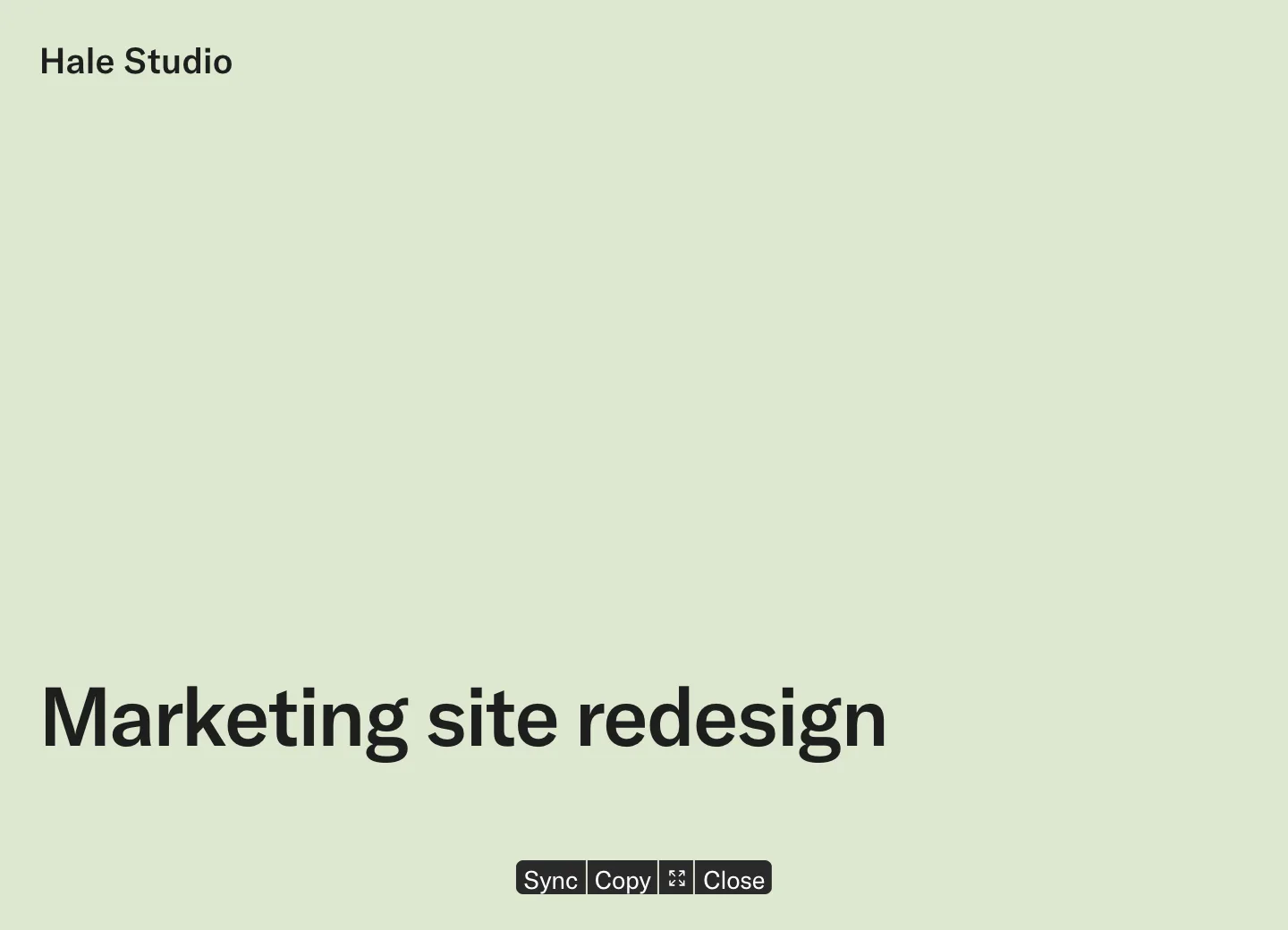
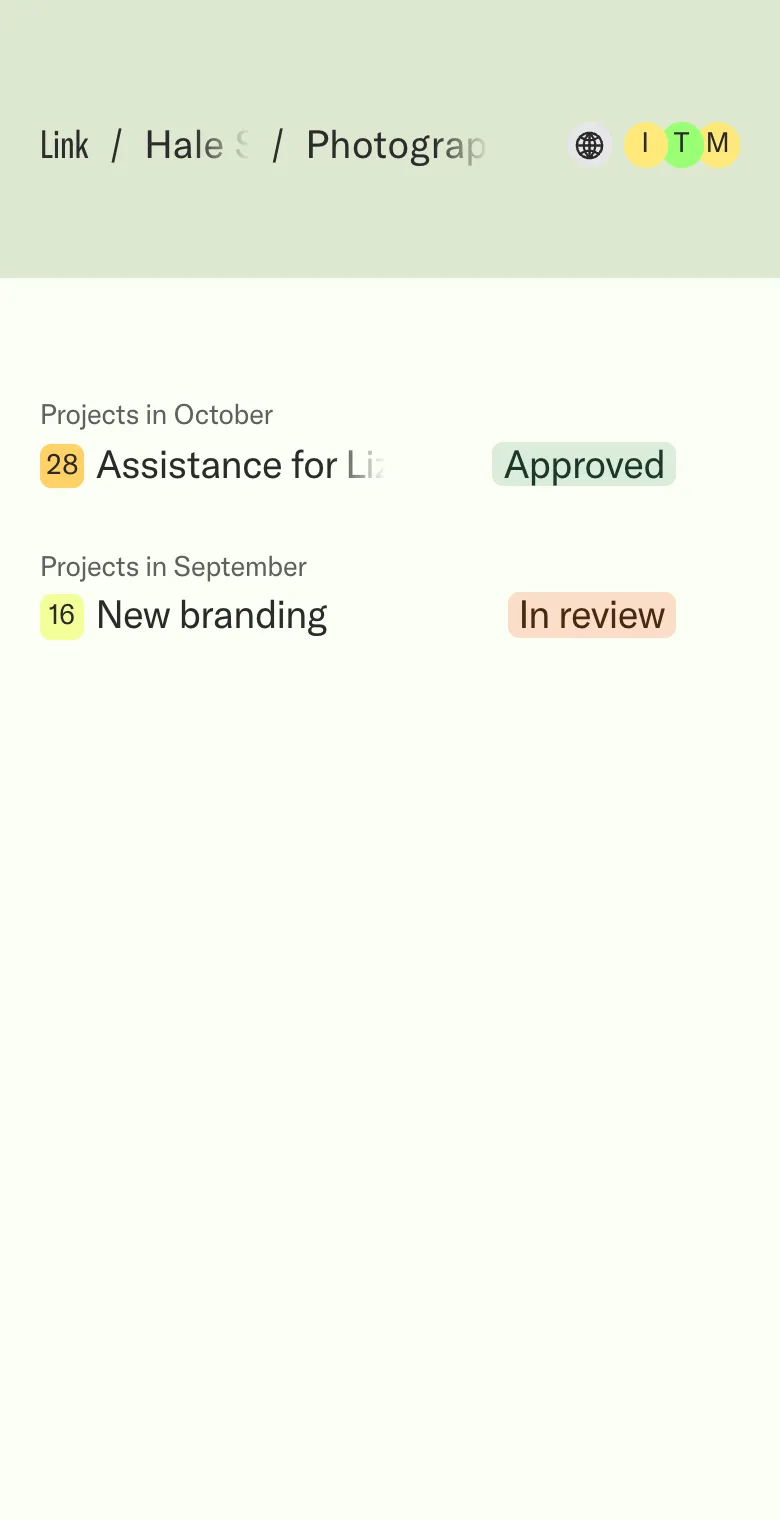
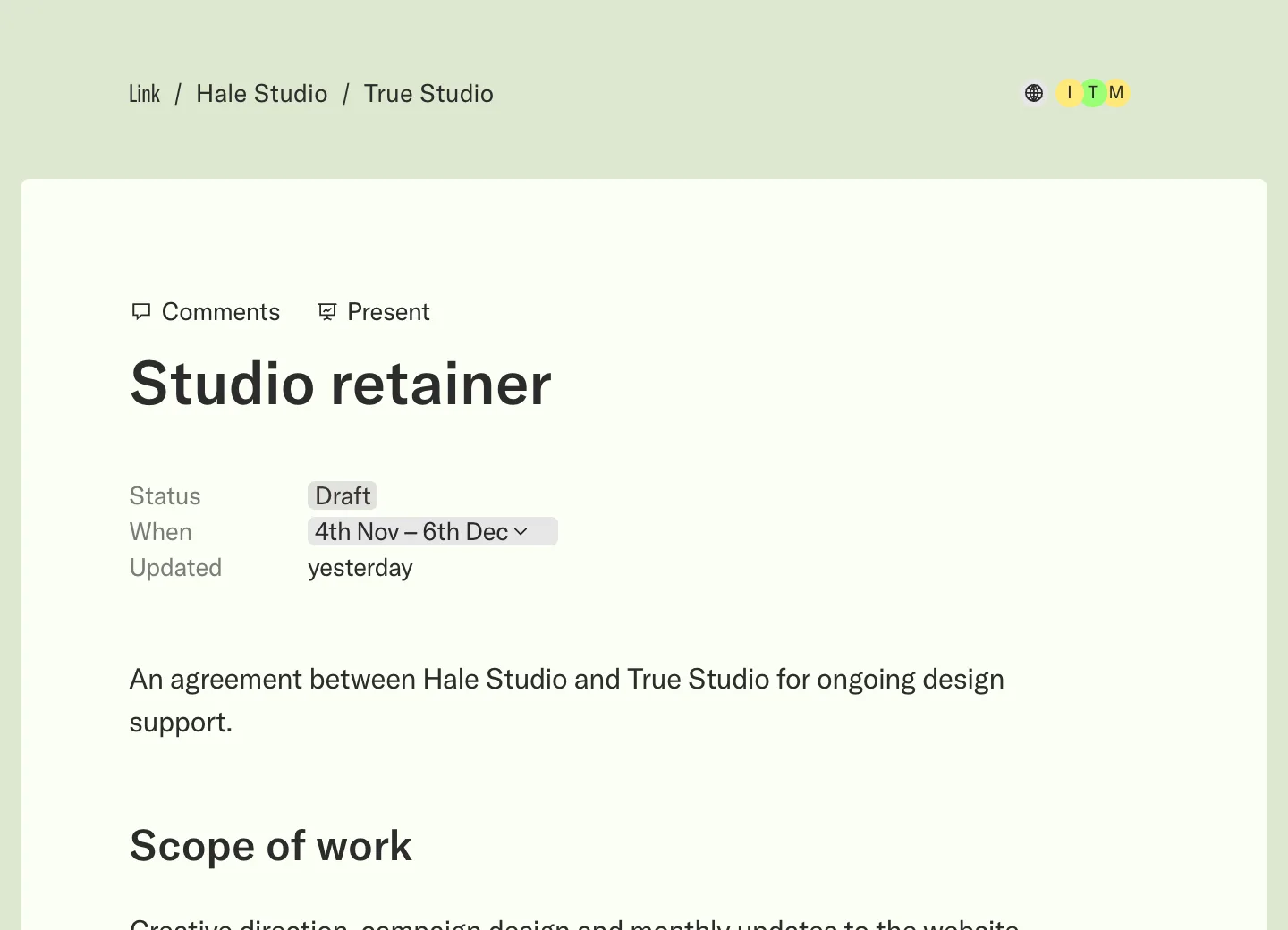
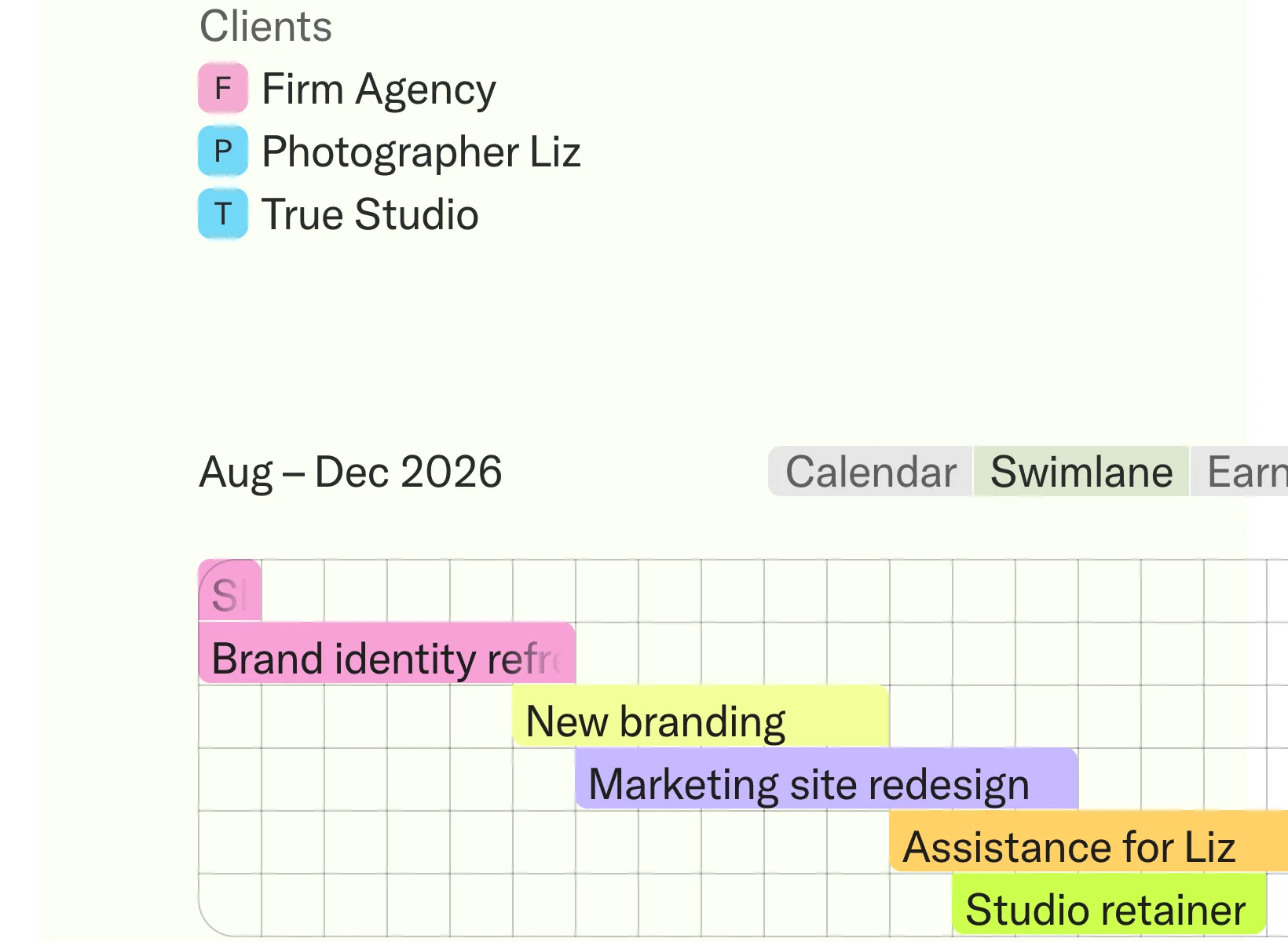
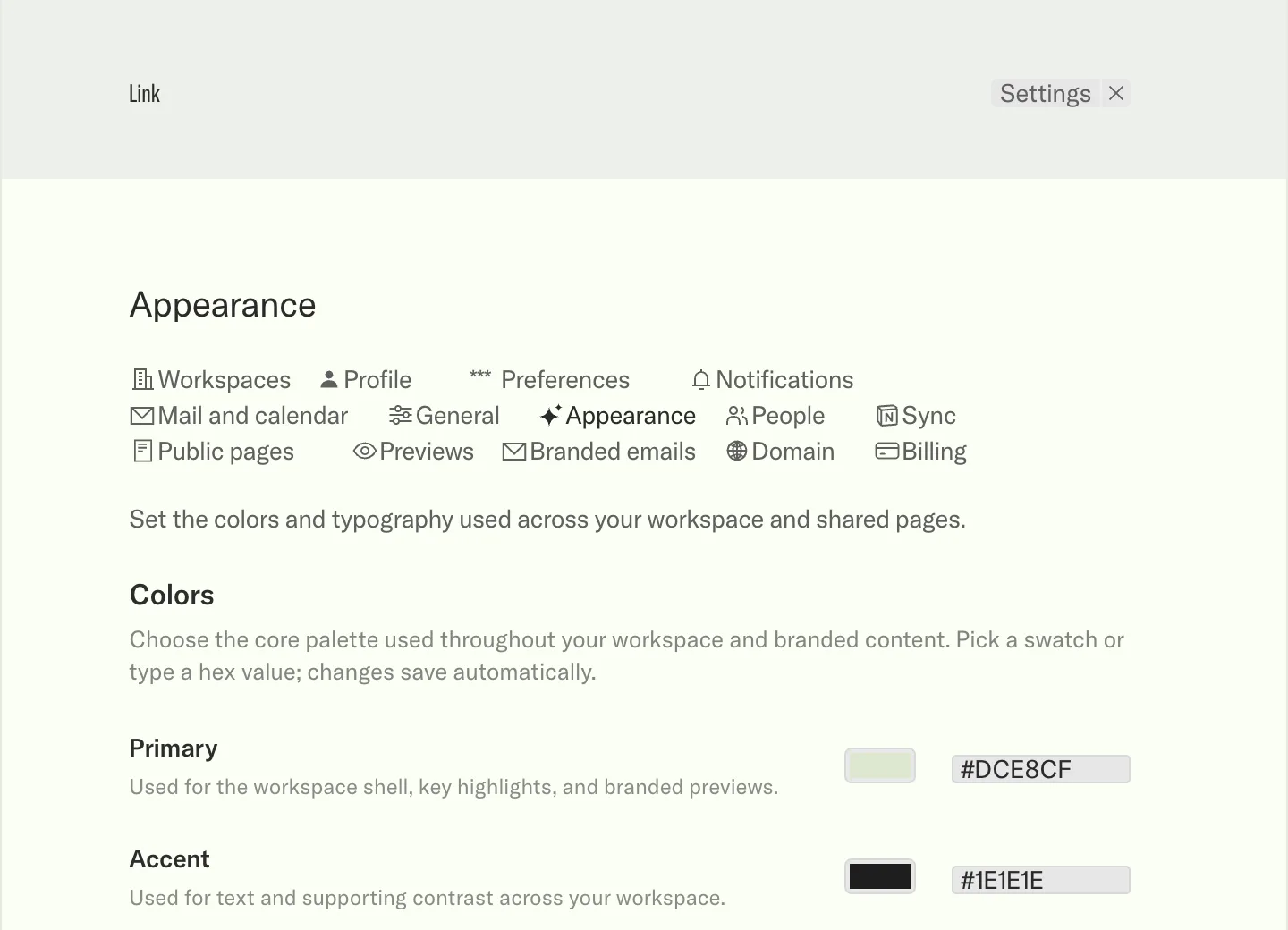
Present mode View the project as slides. A project's first slide in Present mode Client portal A home for every client. A client's page listing its projects and their status, on a phone Agreements Agree the terms on the page. A retainer agreement as a project page Comments Ask and answer on the page. A client's question on a project's plan, and the studio's answer, on a phone Estimates Get the estimate approved on the page. A project with its estimate sent to the client Calendar Every project on one calendar. Home's calendar with the month's projects, in the Mac app Swimlane The months ahead, one line a project. Home's swimlane of projects across the months, on an iPad Invoices Invoice when the work is done. A client's invoices, paid, due and in draft On the go Optimised for phones. Home's clients and calendar on a phone Project pages One project, one address. A branding project's page on an iPad Your brand Your colours on every page. Appearance settings with the workspace's colours, in the Mac app

For software companies

Review the live site.

Comment on the real pages, then share one private preview.

Start free How previews work

Comment right on the PDF.

Clients pin a comment to the spot on the page. Everyone sees who said what, on the file.

Start free How comments work

On Enterprise

Redact what clients shouldn’t see. Redact what shouldn’t see.

Share a proposal with anyone. The prices stay hidden on the public page.

See an example How it works

Public link

Website proposal

Share the scope with anyone who needs to review the work. The plan stays readable. The fees do not.

Prepared for Mira Name redacted. Phone Phone number redacted · Studio Location redacted.

Item Scope Fee
Brand Type, colour, and art direction Price redacted
Website Templates, CMS, and launch Price redacted
Photography Direction and edit Price redacted
Total Price redacted

Next steps stay with the people who should see them. Images, files, and attachments still need a deliberate review before a public link goes out.

On Business

Your own domain.

Run the portal on your own domain. Clients sign in at /login, and each client finds their portal at their own name.

Start free Pricing
Address Who it is for
/login Everyone signs in
/verdant-coffee-roasters Verdant Coffee Roasters’ portal
/mireille Mireille’s portal
/link Your team’s portal

Start with one client. Grow from there.

Your clients join free. You pay only for your own team.

  • Free

    $00 kr.¥0

    USD per workspace user / monthDKK per workspace user / monthJPY per workspace user / month

    1 client workspace

    Start free
  • Plus

    $19139 kr.¥2,600

    USD per workspace user / monthDKK per workspace user / monthJPY per workspace user / month

    5 client workspaces

    Start with Plus
  • Business

    $49349 kr.¥6,800

    USD per workspace user / monthDKK per workspace user / monthJPY per workspace user / month

    16 client workspaces

    Start with Business
  • Enterprise

    CustomCustomCustom

    Unlimited client workspaces

    Request a demo
Compare all features

Not sure which plan fits? Let’s find it together.

Book a time, and we’ll walk you through Link.

Request a demo
Get started for Free

Link

  • Features
  • Apps
  • Pricing
  • Connect your assistant
  • Notion integration
  • Link for Mac

Help

  • Help center
  • Questions and answers
  • Book a demo

Company

  • About Link
  • Jobs
  • Data deletion
  • Log in

© 2026 Link, made by 0001. Your work, ready for clients.

  • Privacy
  • Terms
English
Setting up your LinkConnecting your workspaceOrganizing your clients and projectsApplying your brandOpening your portalLoading...